
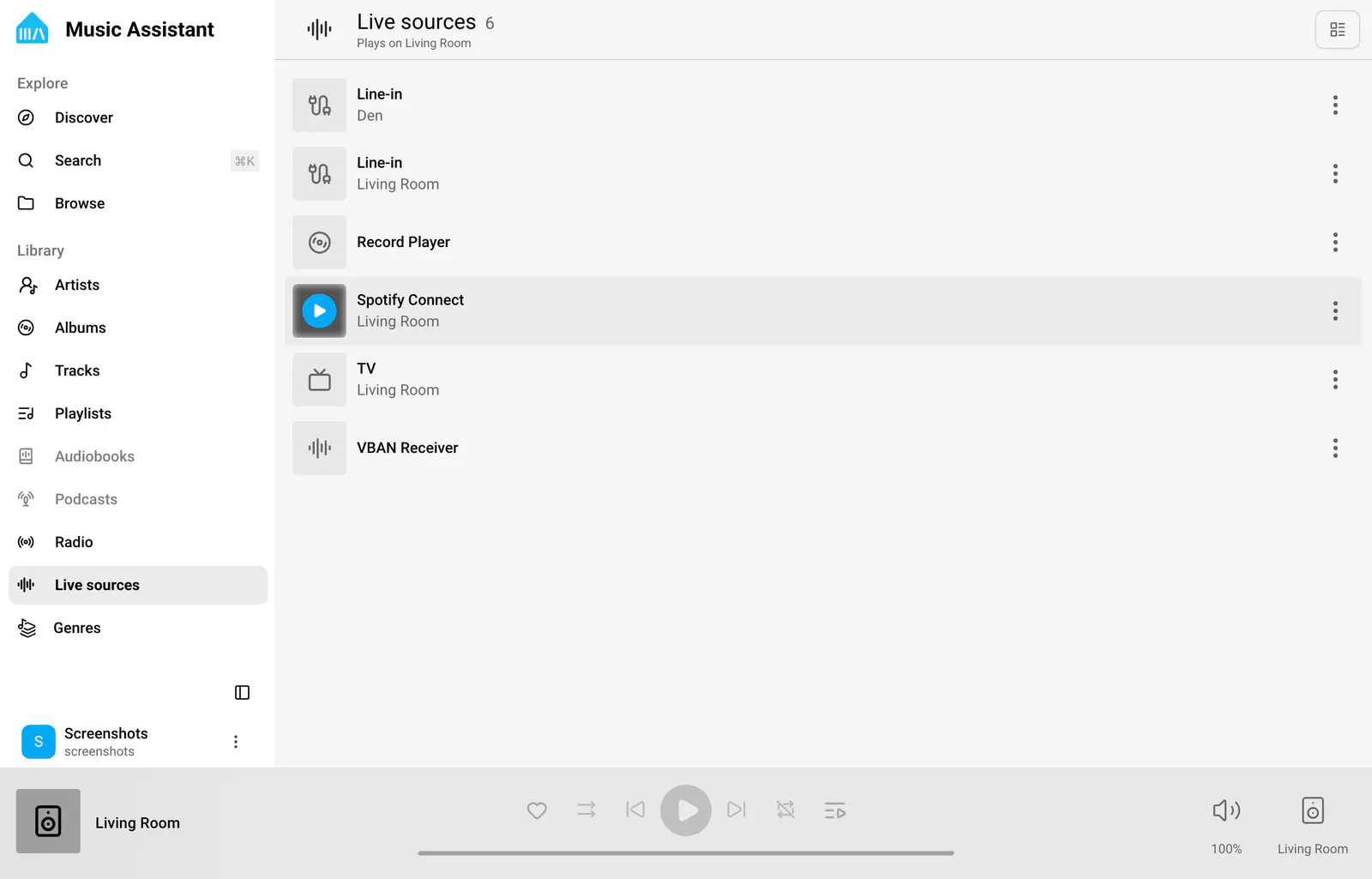

Choose a speaker and Music Assistant’s new Live sources page gathers what it can play: incoming streams, line-in sources and its own TV or other wired inputs. Selecting an entry starts that source on the chosen speaker or switches the speaker to its input.
The page sits below Radio and offers list and panel views. Typing a name such as “record player” in search finds matching inputs for the selected speaker. Browse also collects live sources in one folder, and inputs belonging to speakers outside a user’s permissions stay hidden.
Names lose unnecessary repetition: the Kitchen speaker lists its own source as “Spotify Connect”, while other places can still identify which room it belongs to. Home Assistant automations that select the old “Spotify Connect (Kitchen)” name need the new name.