
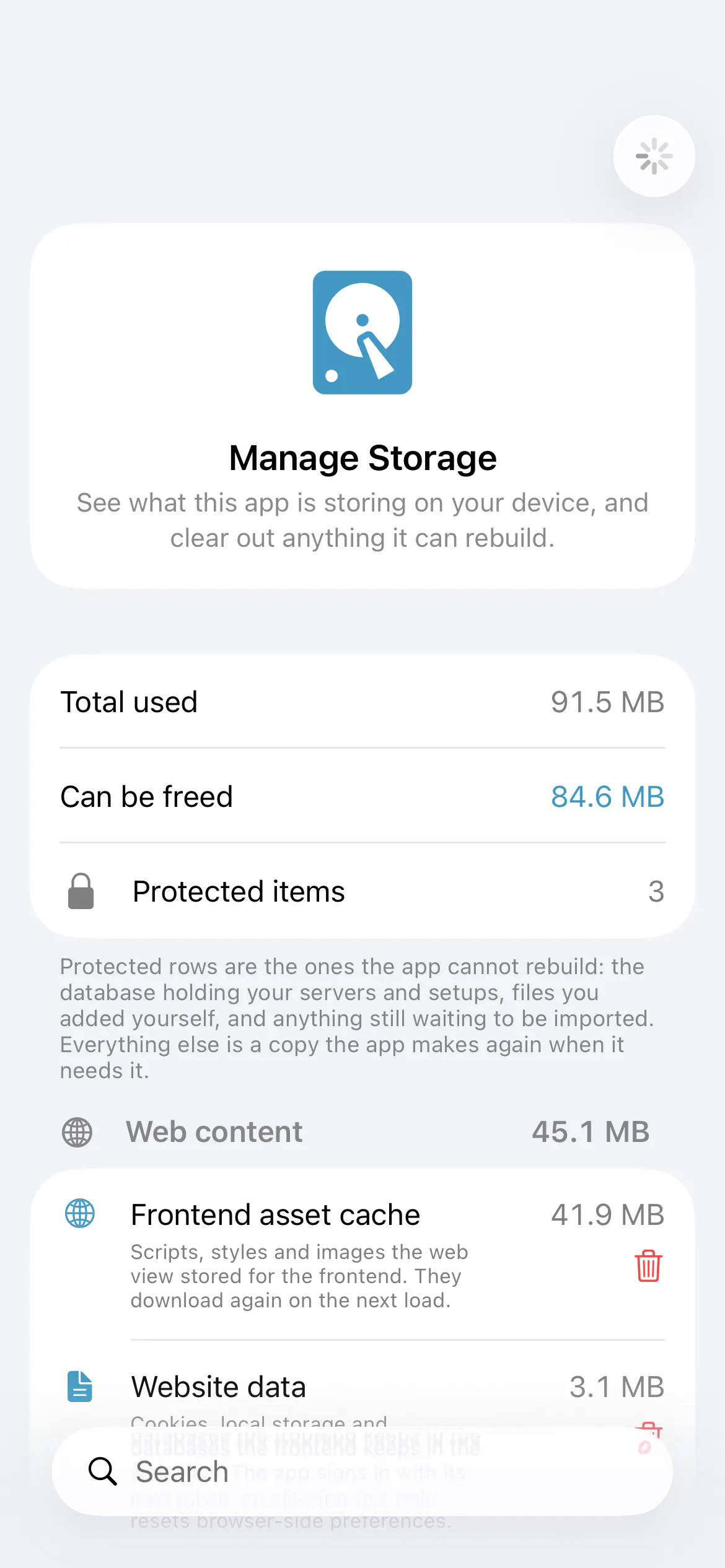

Home Assistant’s iOS app adds a way to see what is taking up space and clear individual caches or diagnostic files without resetting the app. Manage Storage, under Settings → Debugging, groups local data by category, sorts it by size or name, and can show only items that are safe to remove.
Bruno Pantaleão Gonçalves’s change protects data the app cannot rebuild, including its main database, preferences and imported notification sounds. Those entries have no delete button. The Mac version also protects the Downloads folder, because it belongs to the user rather than the app.